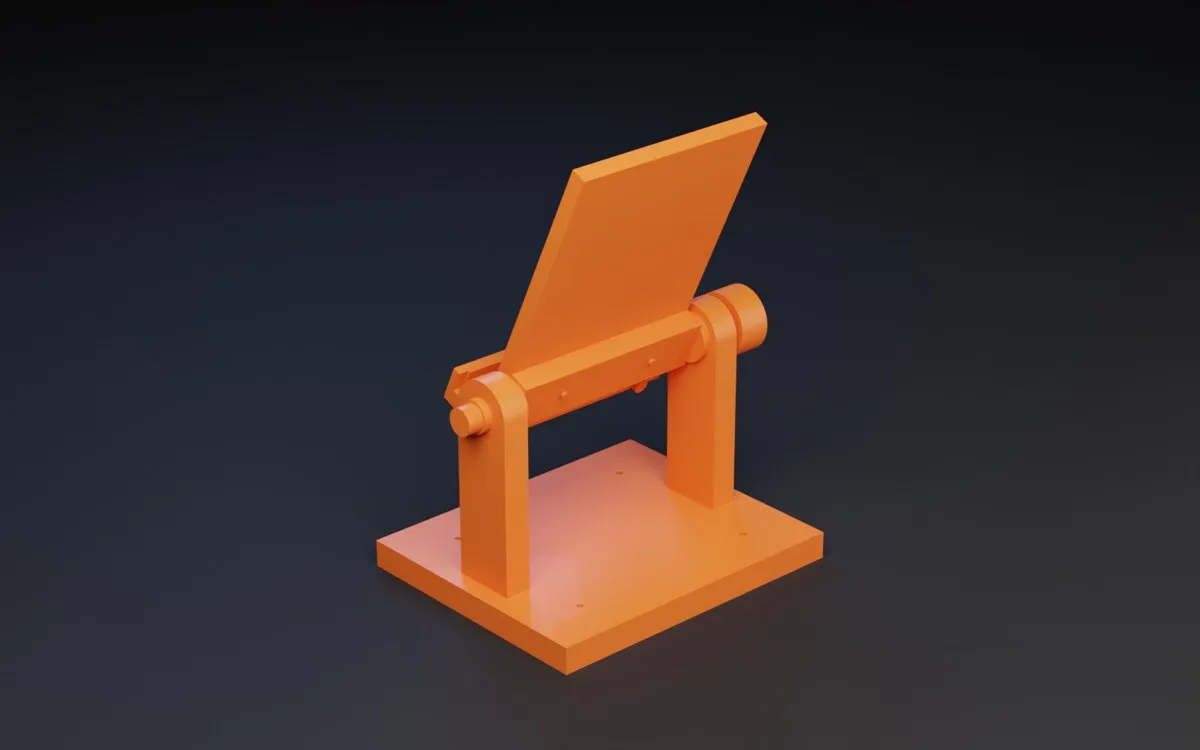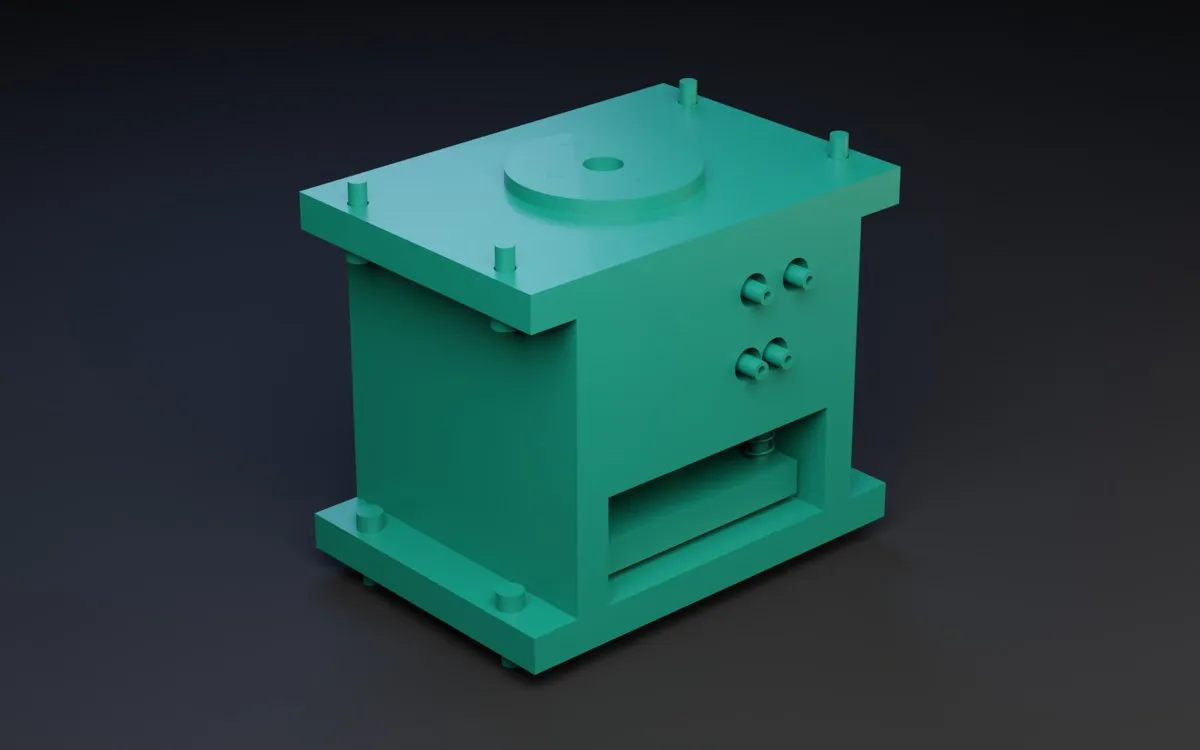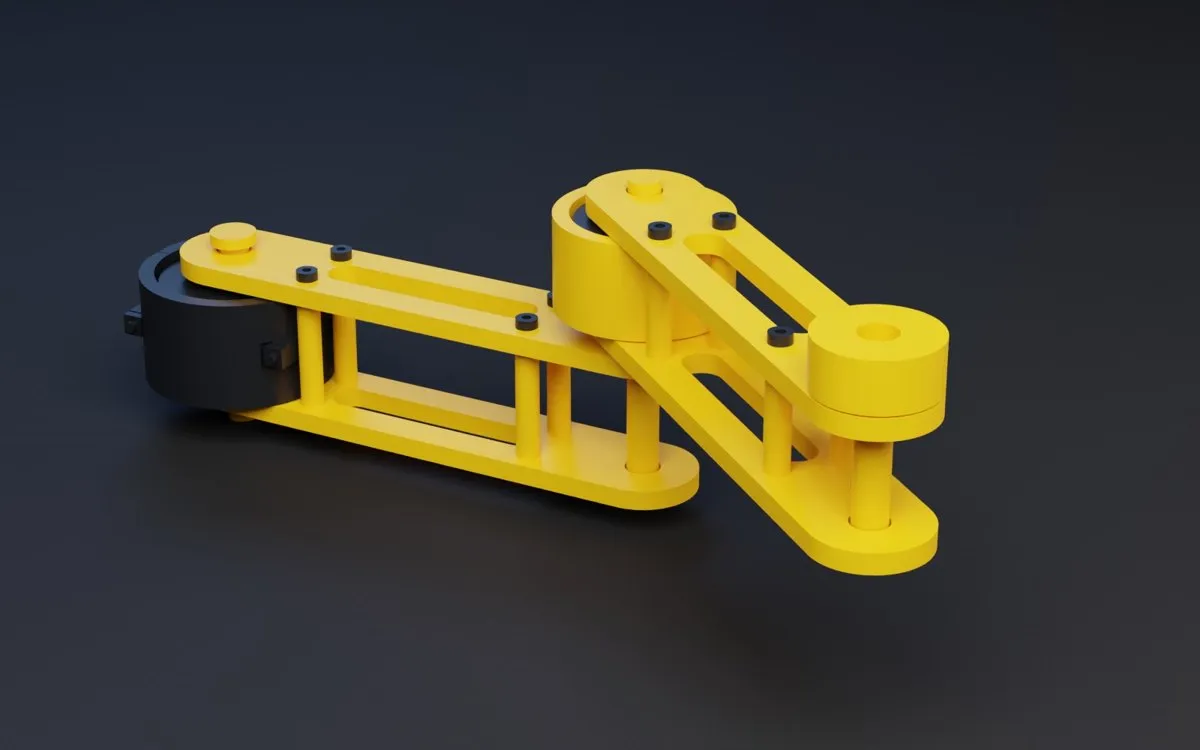
Patok Lab ES

How it works

From a sentence to the part. From the part to the machine.

Patok Lab does not hand you a picture. It writes the part as CAD, computes it with real engines, checks it and prepares what it takes to make it.

Get access
01

Say it

Type it, say it out loud or bring a sketch, photos, a drawing or a STEP. If a detail is missing, Lab asks.

You

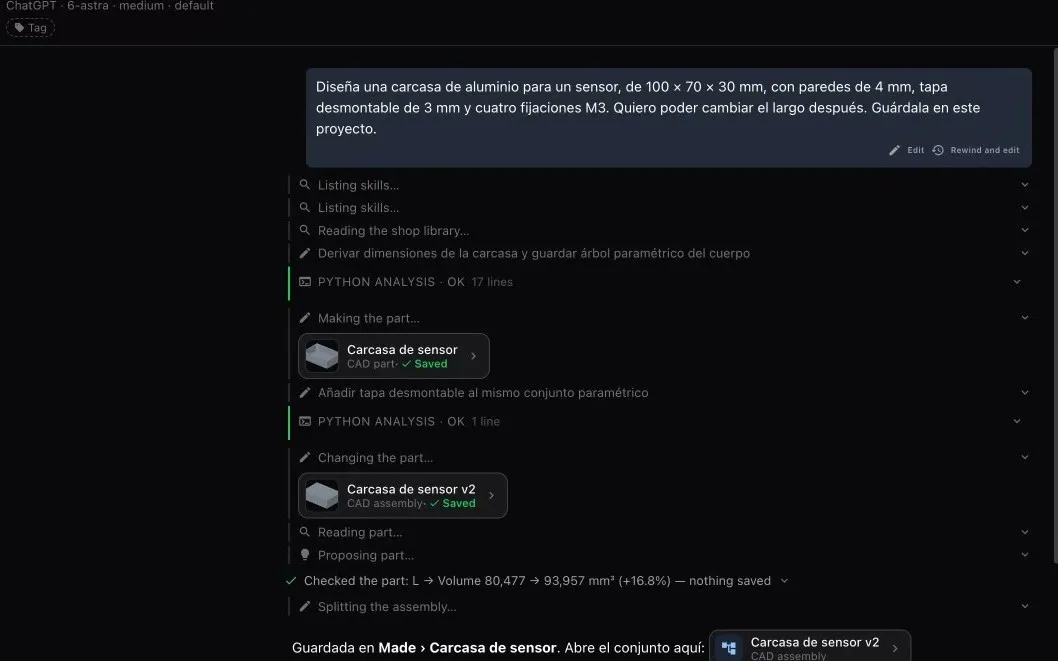
Design an aluminium sensor housing, 100 × 70 × 30 mm, with 4 mm walls, a removable lid and four M3 fixings. I want to be able to change the length later.
02

Lab builds the part

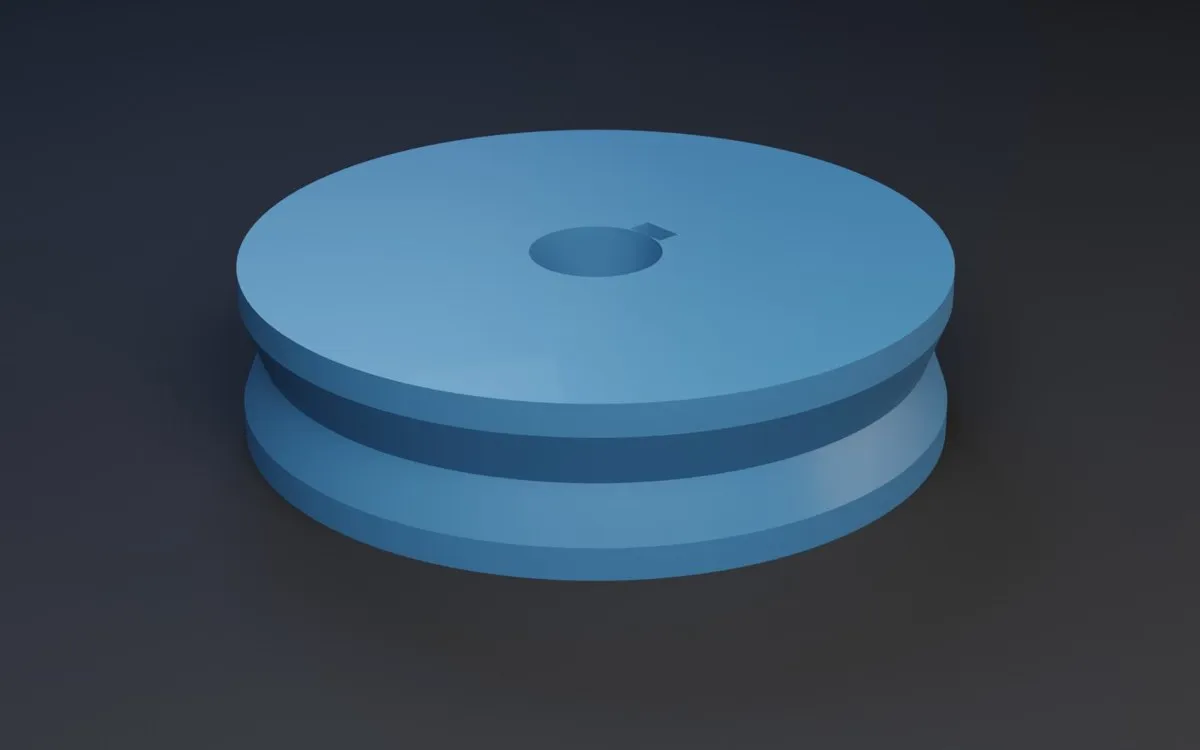
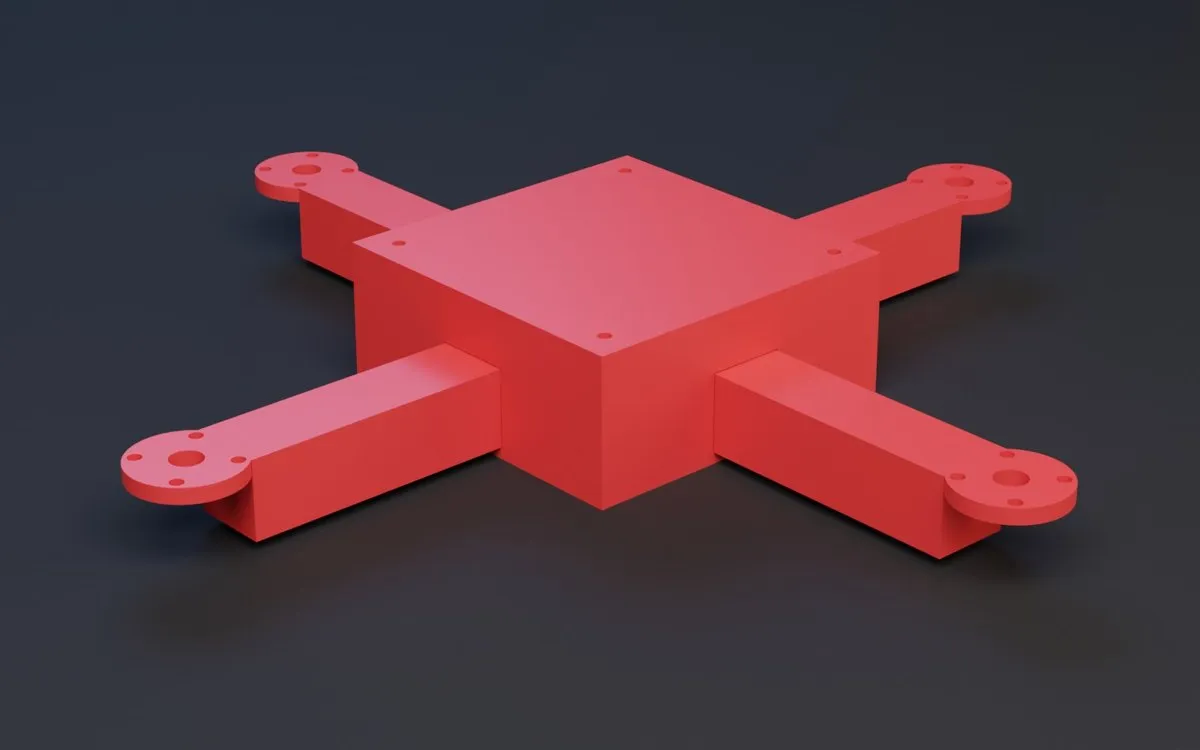
The AI writes the part as a parametric script and the CAD engine computes the solid. It is not a mesh: change a dimension and it rebuilds.

PARAMS = {
    "od": 80.0,
    "width": 20.0,
    "groove_angle": 40.0,
    "bore": 15.0,
    "keyway_width": 5.0,
}
Patok Lab at work: the conversation, the steps and the saved part
03

Check it

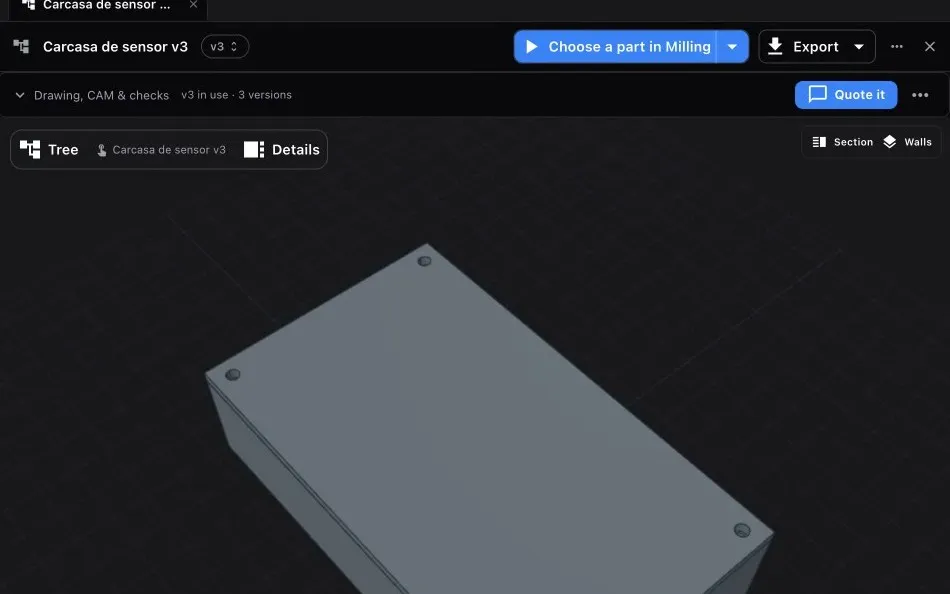
The part, its drawing and its checks stay in one project. What passed, what failed and what was never checked stays on the record. Every version is kept.

The part in Patok Lab with its tree, versions and checks
05

Get the package

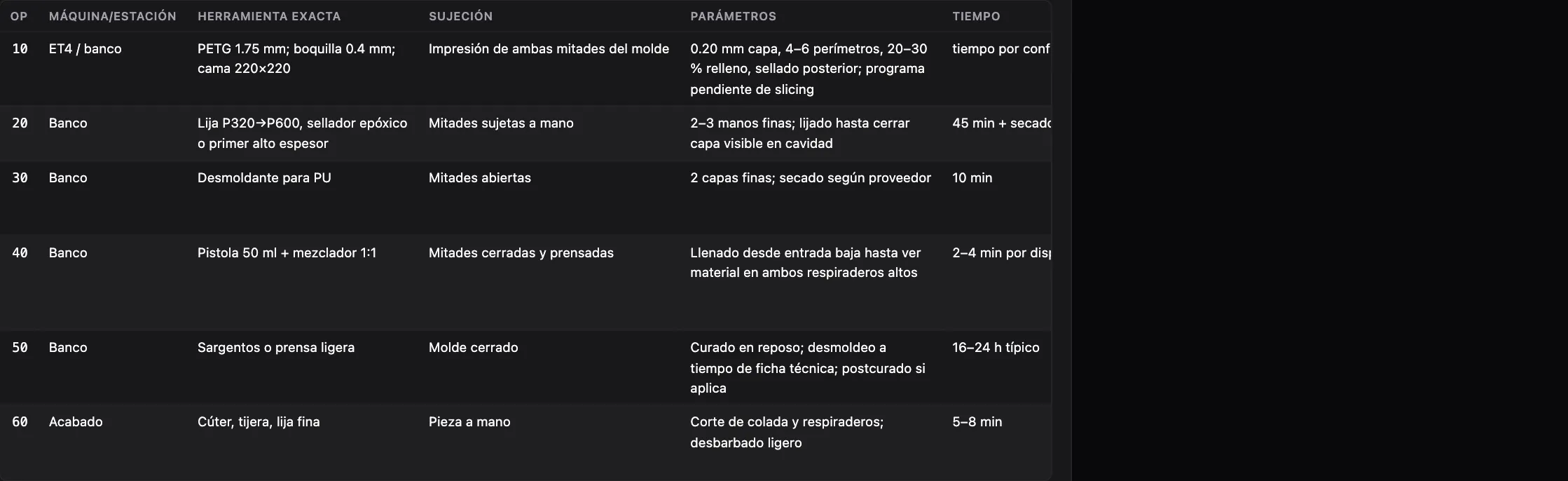
Process sheet, exact tooling, acceptance criteria and shopping list, in one document. It also says what it did not verify.

Read a real report →
Operations sheet of a route report
06

Publish it

Put it on Explore with its link and its animation. Others remix it and it stays on your profile.

See Explore →
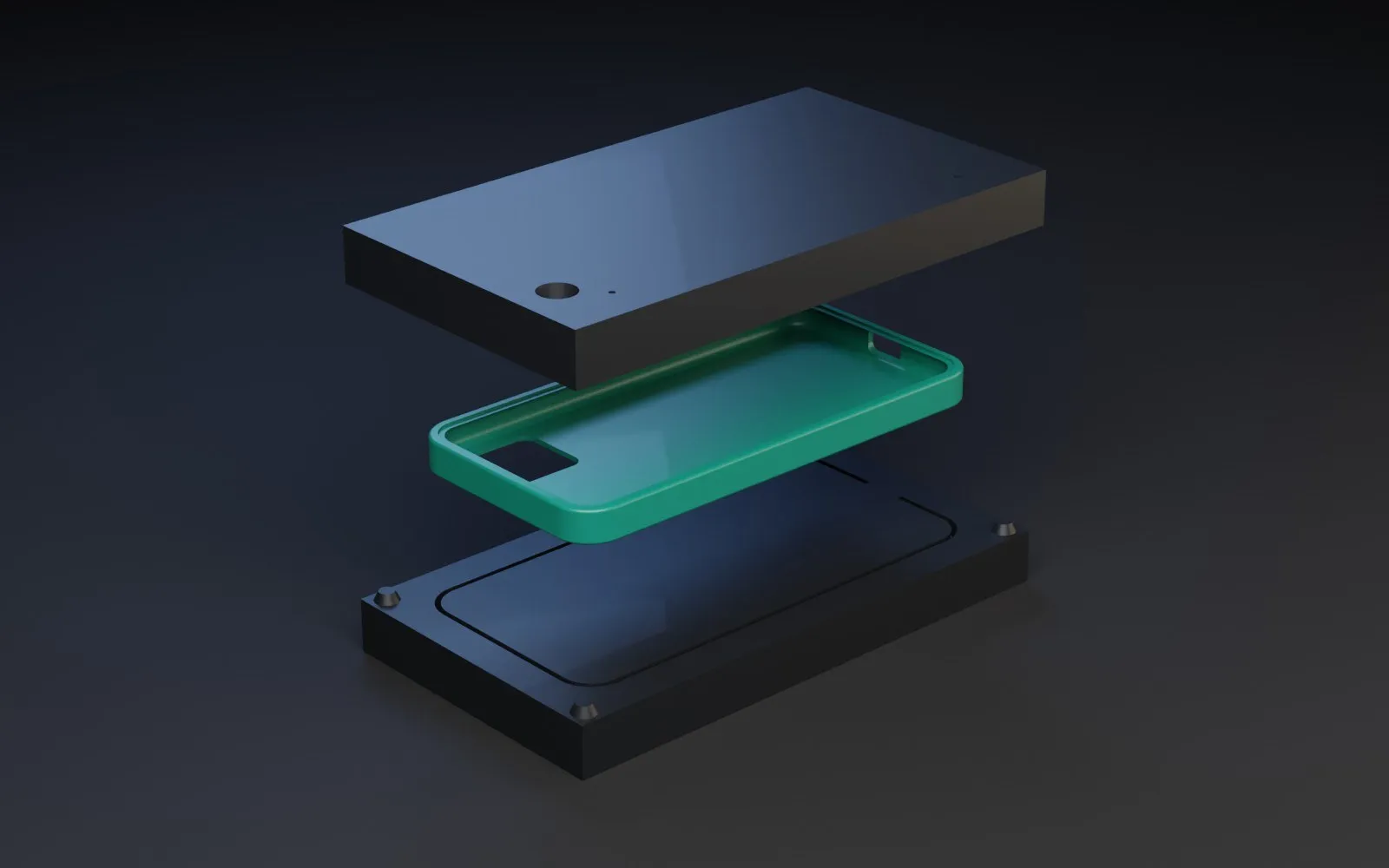
Card of a part published on Explore

Your brain

You choose who thinks.

The AI reasons. The geometry, statistics and machining engines do the work, and every number comes out of one of them.

  • Patok AIBuilt in, nothing to set up. It runs on credits.
  • ChatGPTThe plan you already pay for. No credits.
  • ClaudeConnect your own. No credits.
  • A local modelOn your own computer and GPU. No credits.

Where it lives

Your work is yours.

The workbench runs on your computer. A project is a folder of plain files on your disk, readable without the app.