
Process Robotics Available
Describe the process path. Don’t teach it point by point.
A pattern on a region becomes a trajectory: positions and tool orientations at stand-off, process on and off, speeds, layers and passes. See it in 3D with the arm of your cell, check it, keep it with the run, and export the program for your robot. Offline, always.
Cell → pattern → trajectory → checks → program → runs table
- 01
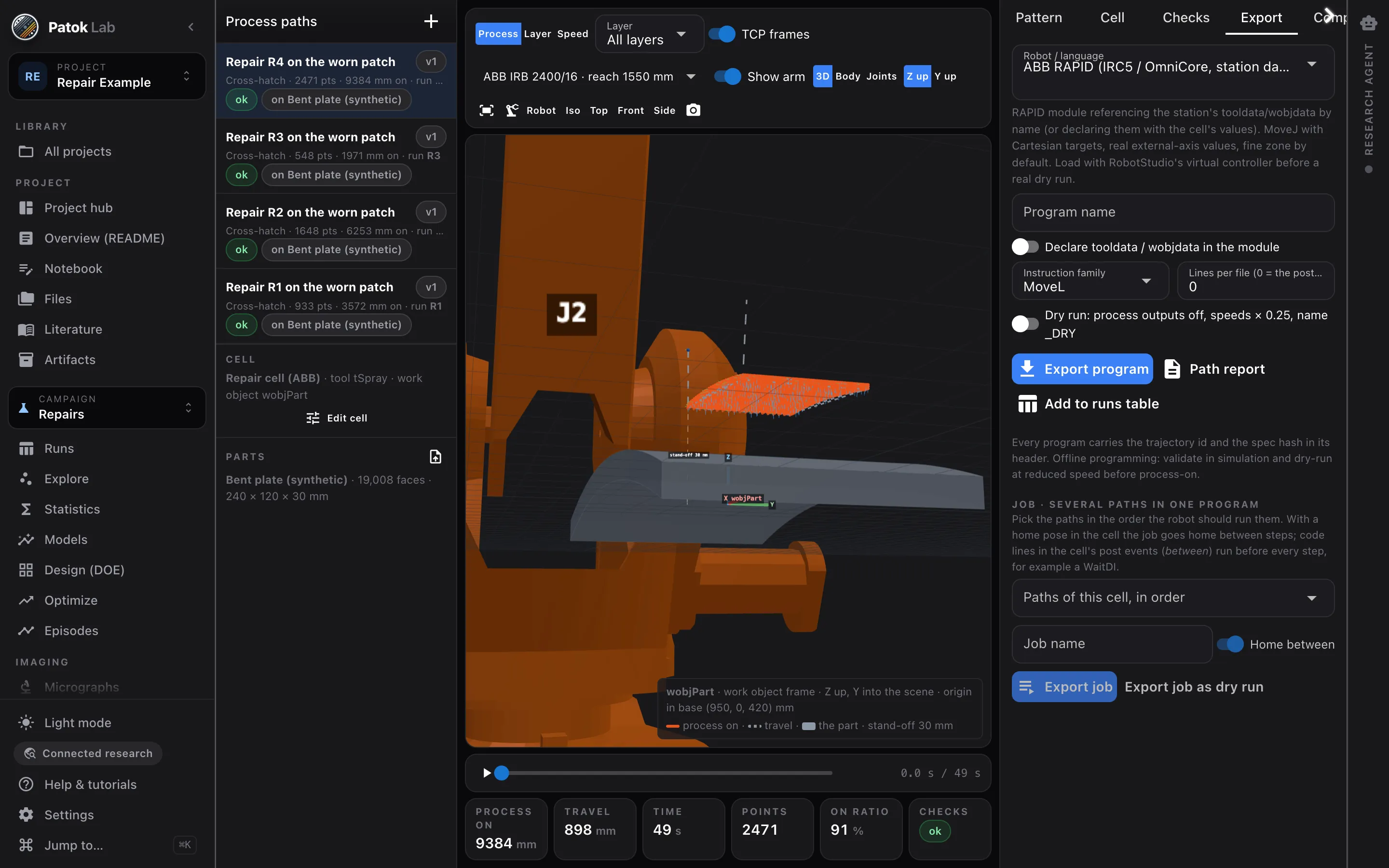
A pattern on a region
Raster, serpentine, cross-hatch, contour, concentric, spiral, islands, dwell points, Metal Knitting; layers and passes with strategies per layer range. On a flat coupon, or on an imported STL, PLY, OBJ or 3MF part — follow the surface, flatten it, build up on it, or slice it.
- 02
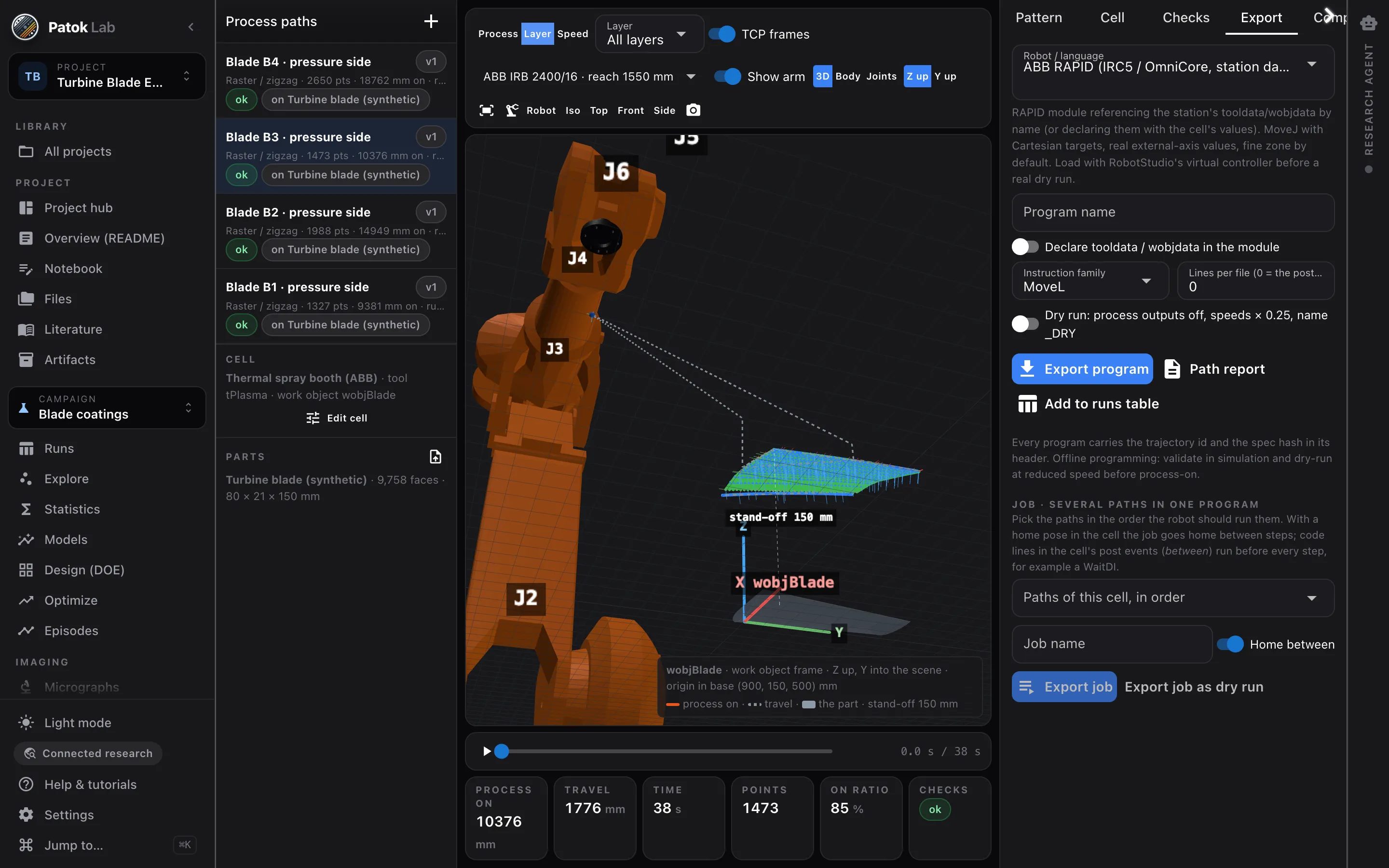
The cell it runs in
Tool with named TCPs and a sketched body, work object, envelope, home pose, the process output. Twenty robot models with nominal kinematics, or your own DH table. The robot can hold the part in front of a fixed gun.
- 03
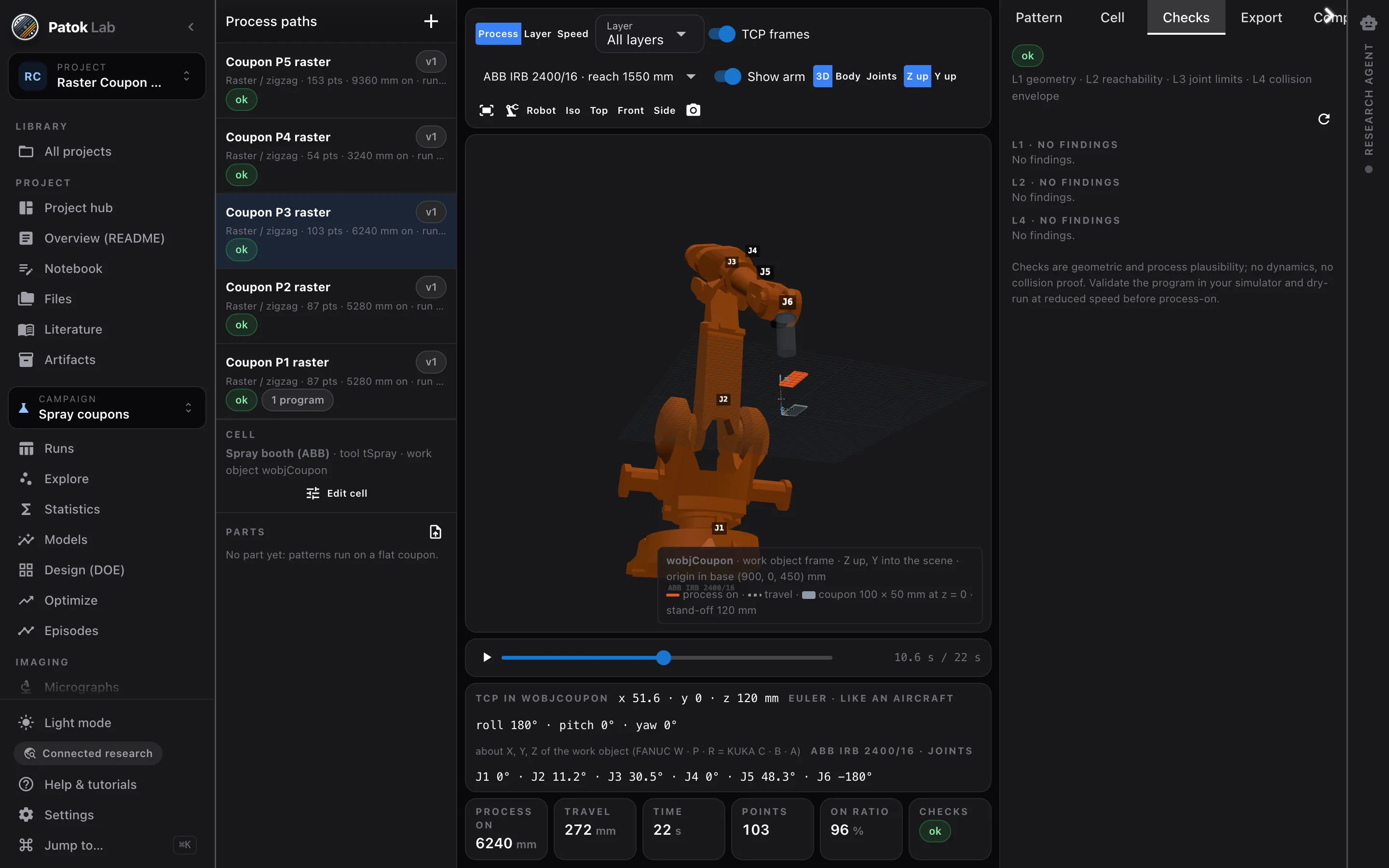
Checks before the controller
Geometry and plausibility, reachability and joint limits, wrist flips and singularities, a collision envelope of tool and links against part, coupon and table. Every finding names its points and its remedy.
- 04
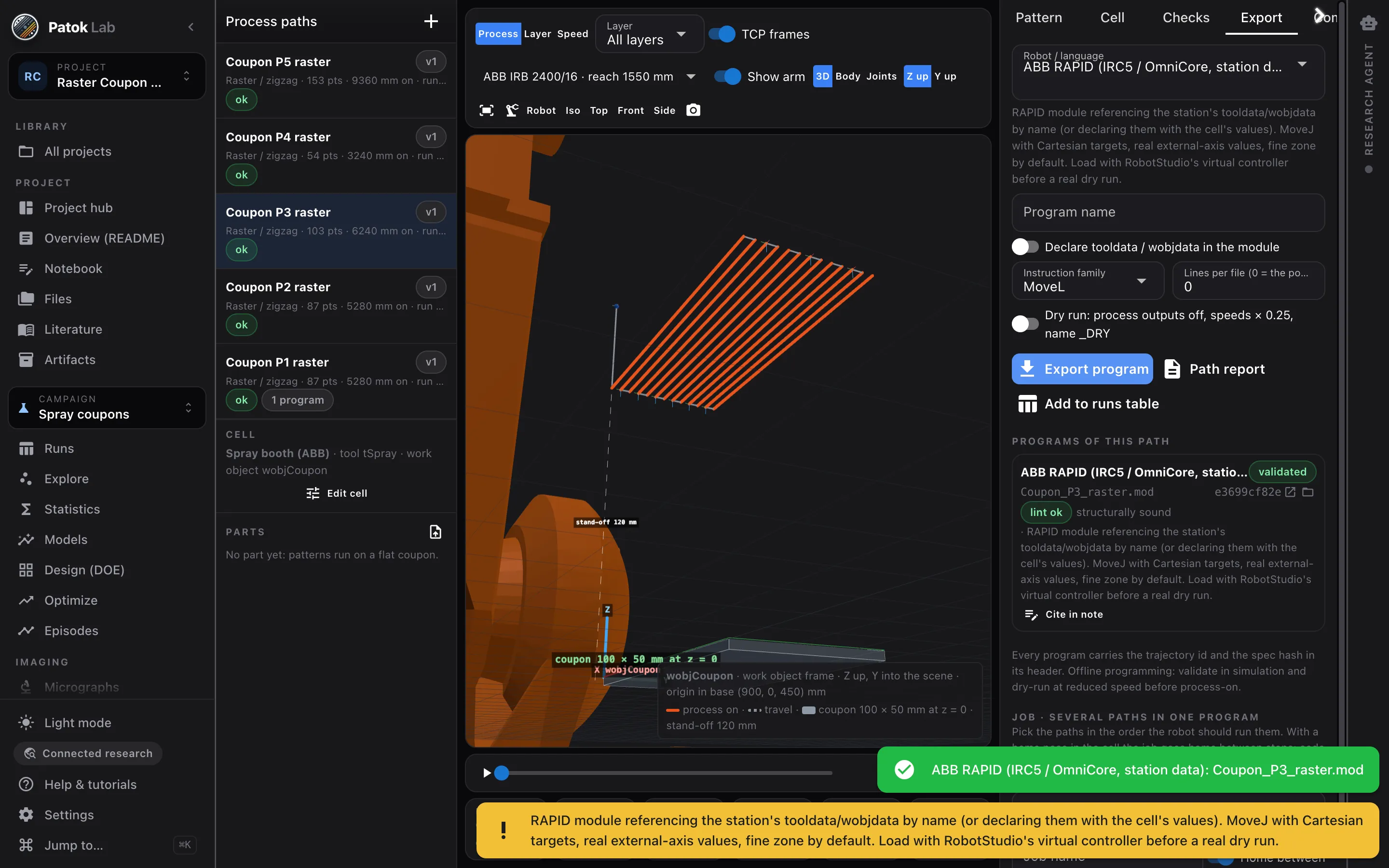
The program, as an artifact
ABB RAPID, FANUC, KUKA KRL, Yaskawa INFORM, URScript, ROS trajectories, CSV/JSON and fifty more dialects. Trajectory id and spec hash in the header; dry-run variants at reduced speed; jobs that chain paths with home between them.
In 42 seconds
From a sentence to a path, over a curved surface.
A turbine blade, not a flat coupon. Asked for in words, the path follows the surface, reach and collisions are checked against your cell, and the program comes out in the dialect your brand reads.
See it in one minute
What you can check
- Same spec, same cell, same engine version → the same trajectory bytes and the same id.
- Eight post-processors validated against reference files: ABB RAPID (×2), FANUC, KUKA, Motoman, Universal Robots, CSV, JSON.
- Stand-off, speed, step-over, layers and passes become input columns of the runs table, matched to the coupon.
- Five example projects: raster coupons, a Metal Knitting wall, a repair on a part, a turbine blade, the blade held by the robot.
What it is not
- Offline programming only: Patok Lab never talks to a controller and has no “run” verb; every program header asks for simulation and a dry run at reduced speed.
- The collision envelope is coarse capsules around nominal geometry — a check, not a proof; no self-collision, no fixtures beyond the table.
- STL, PLY, OBJ and 3MF meshes; no STEP or native CAD. Fifty-two of the sixty-three exporters are vendored and untested on a controller, and they say so.
- Early-access preview: shipped to a handful of users from a pre-release build; tell us your cell.
Typical starting points
A day of coupons
Five rasters keyed to five rows of the runs table, one job with home between them, dry run first.
A repair on a part
A worn patch on a bent plate: cross-hatch projected on the mesh, tool along the local normal at 30 mm.
Deposition three ways
Layers on a coupon, a build-up with perimeters and islands on a curved surface, the part itself sliced with cooling pauses.
Early access
Early access for people who run real processes — labs, engineering teams and shops.
Bring a customer drawing, a table of runs, a folder of micrographs or a part you spray, weld or mill. We want Patok Lab used on live work and told what breaks. The Community edition is free, with no time limit; macOS, Windows and Linux.
- macOS, Windows and Linux — tell us which one you need first
- Direct line to the founder during early access
- Optional workshop for your group or team: bring a job, leave with an artifact
- 01Tell us what you would bringA drawing, a table of runs, a folder of micrographs, a part, a line.
- 02The build arrives by e-mailInstaller, a licence you paste once, and a short guide for the bench you came for.
- 03Reply with your fileWe look at it before we send it, and a person answers — not a form.
Get access Bring a drawing, some photos, a table or a part. Or just tell it.
Bringing it to a team, a shop or a university group? Ask for your team →
FAQ
Questions engineers and researchers ask first.
Which robots?
Twenty catalog arms (ABB, FANUC, KUKA, Yaskawa, Universal Robots) with datasheet kinematics, or a custom DH table. 3D robot meshes download on demand and are cosmetic; checks and programs use the kinematics.
Does it replace the simulator?
No. It writes the program and checks what it can before the controller; RobotStudio, RoboGuide or your simulator and a dry run stay in the loop.
Is Robotics in the current release?
Yes. It ships in the current release, and it was given first to a few users first. Join early access and tell us your cell and robot; previews go out in order.