
01
Start with the part.
Describe it, bring a sketch or open a mesh. A part made in Lab keeps its dimensions and its drawing, so you change a value and carry on.
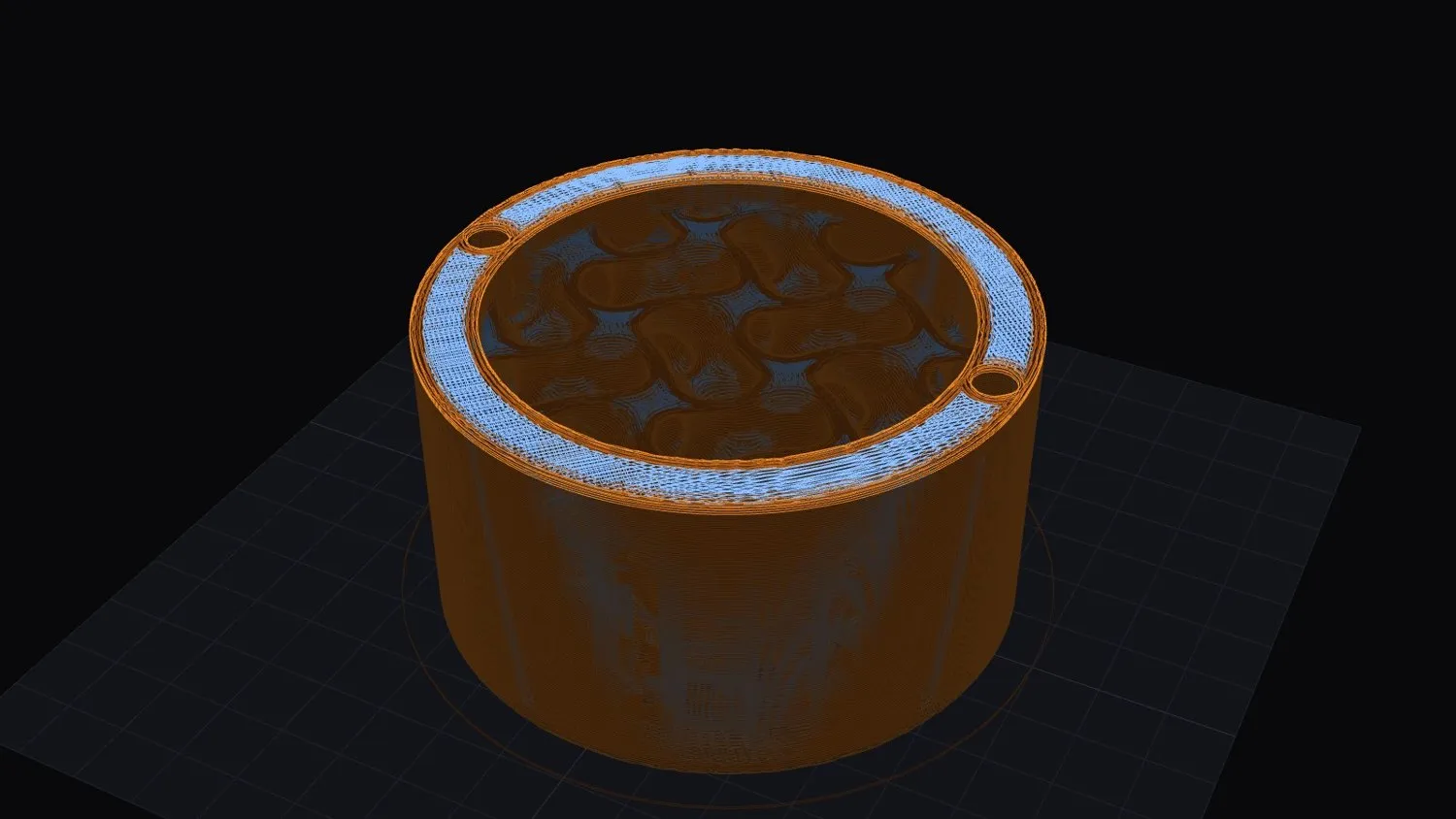
3D printing · FFF plastic
Not a figurine: a part with dimensions, a drawing you can check and a file for your own printer. And it is free in Community.
Get access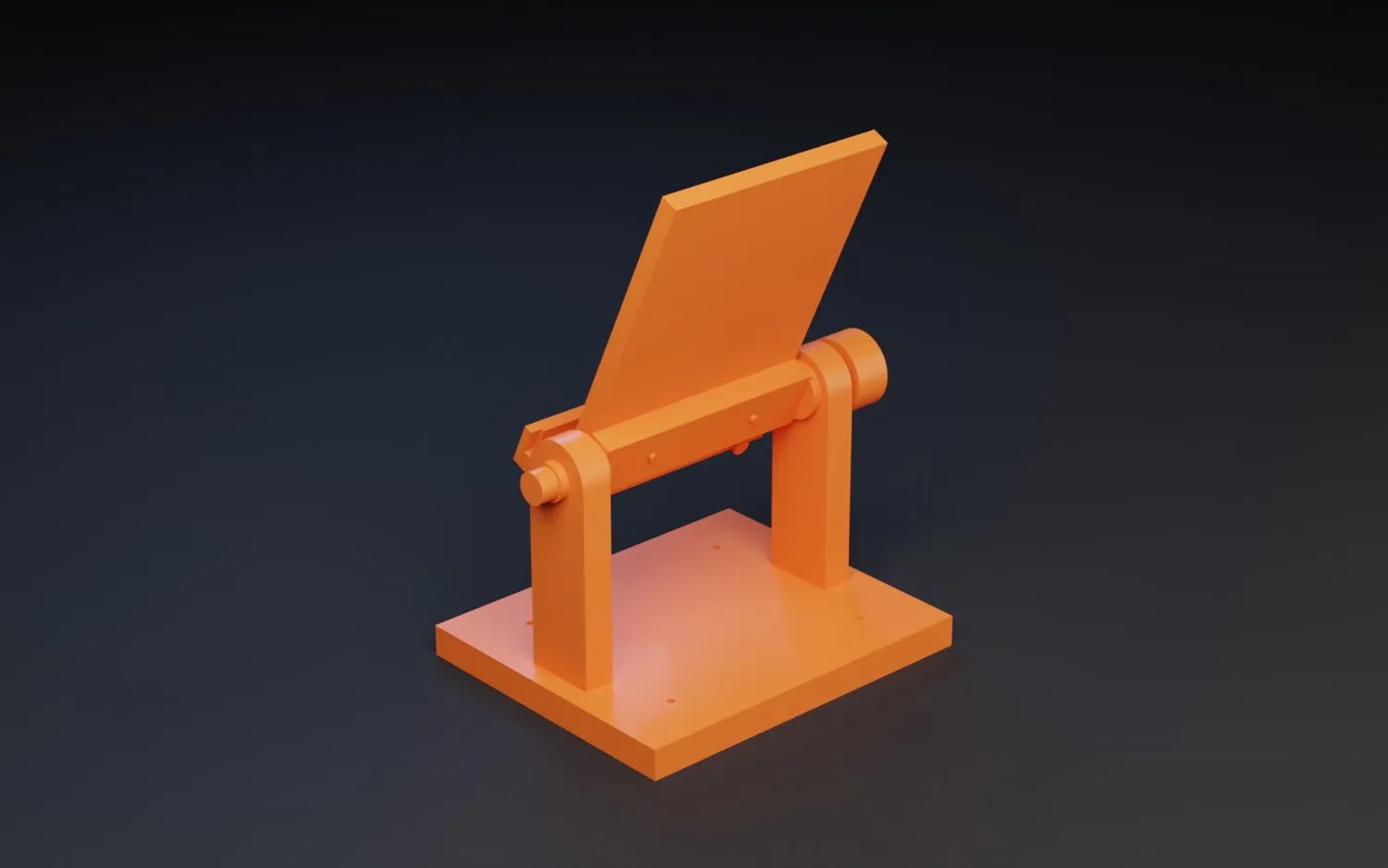
Describe it, bring a sketch or open a mesh. A part made in Lab keeps its dimensions and its drawing, so you change a value and carry on.
More than a thousand profiles, or add yours. The assistant reads the part and proposes layer height, walls, infill and supports.
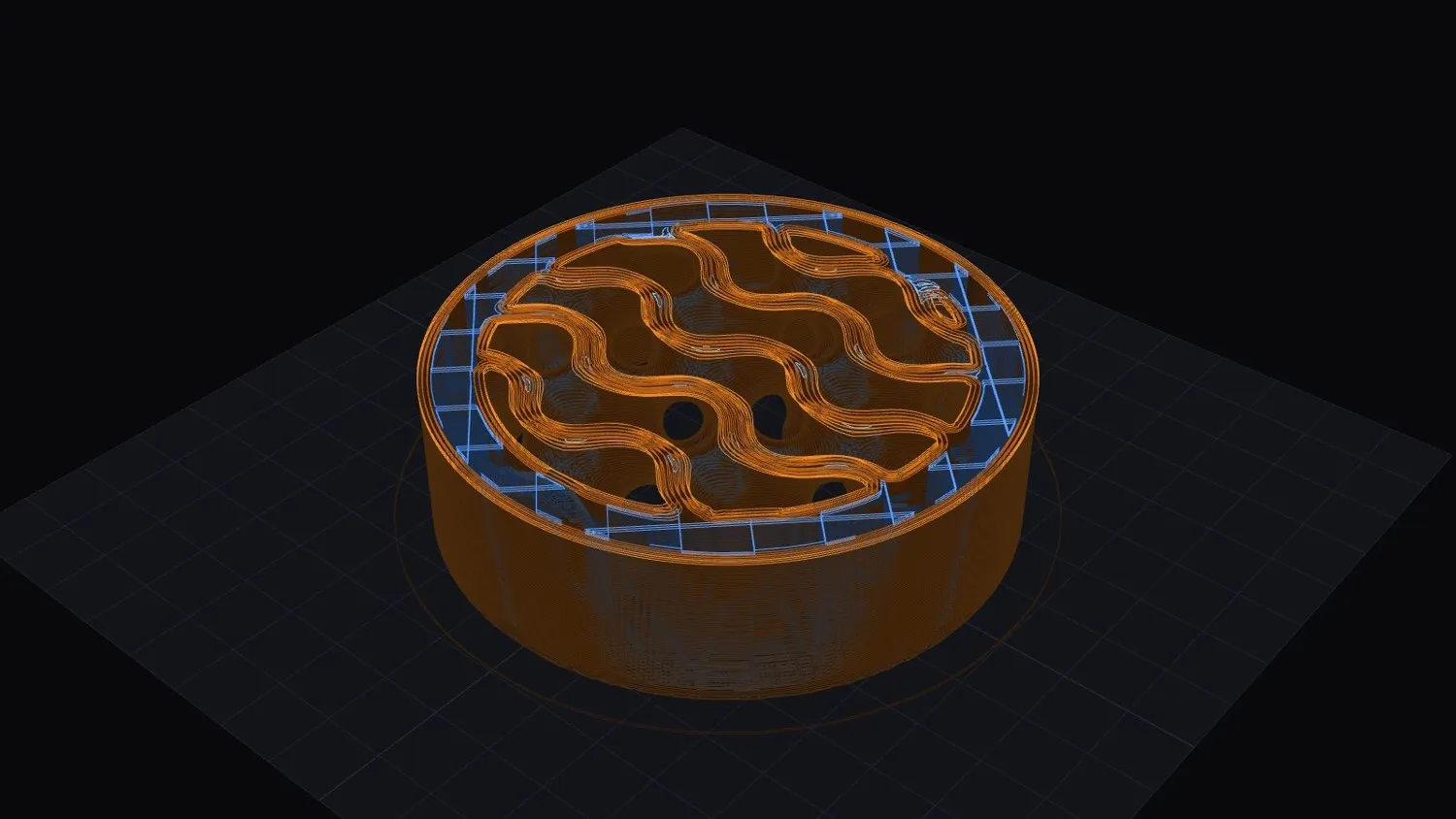
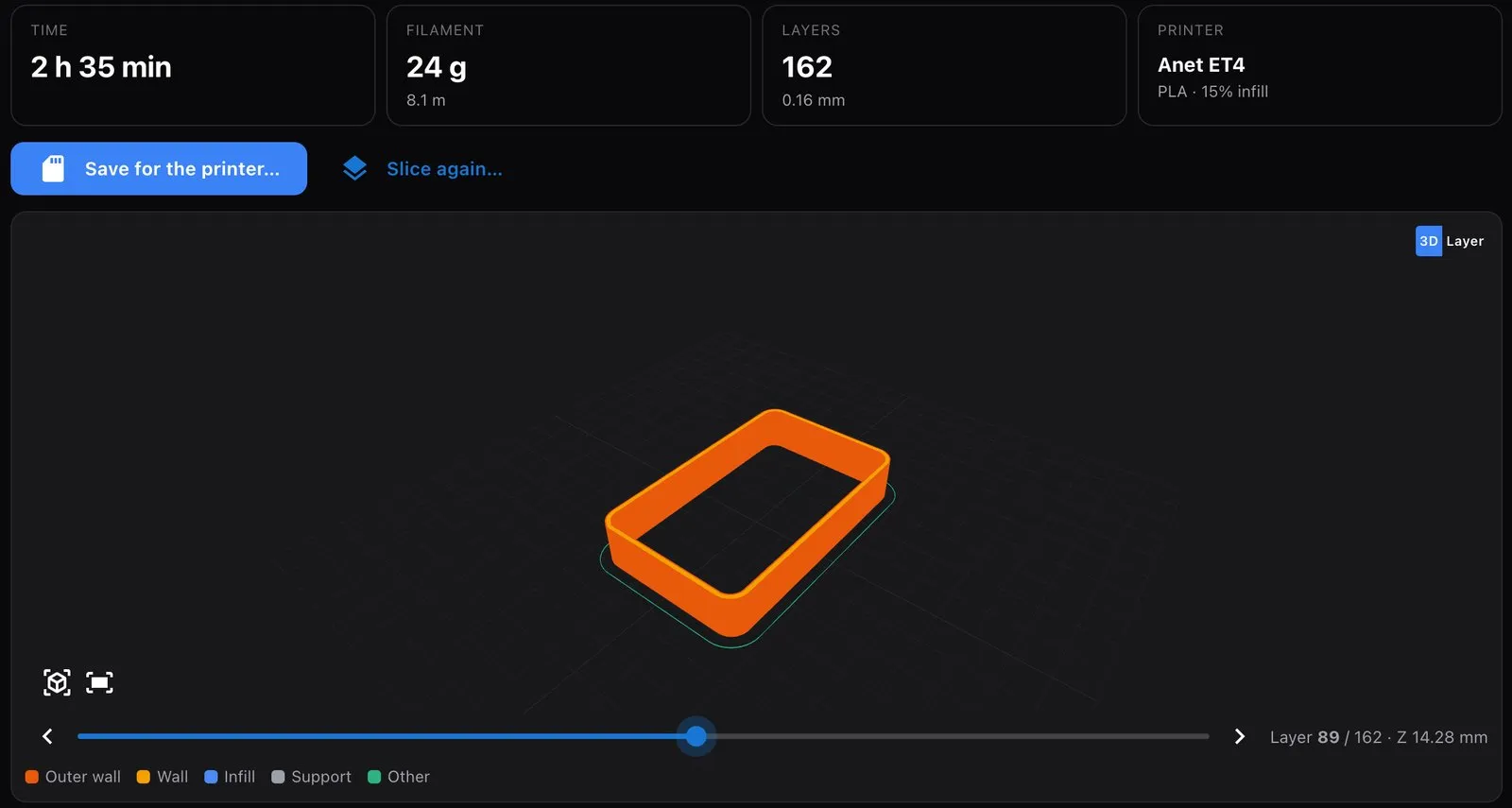
Lab runs the slicer on your computer. You see the layers, the time and the grams before you spend filament.
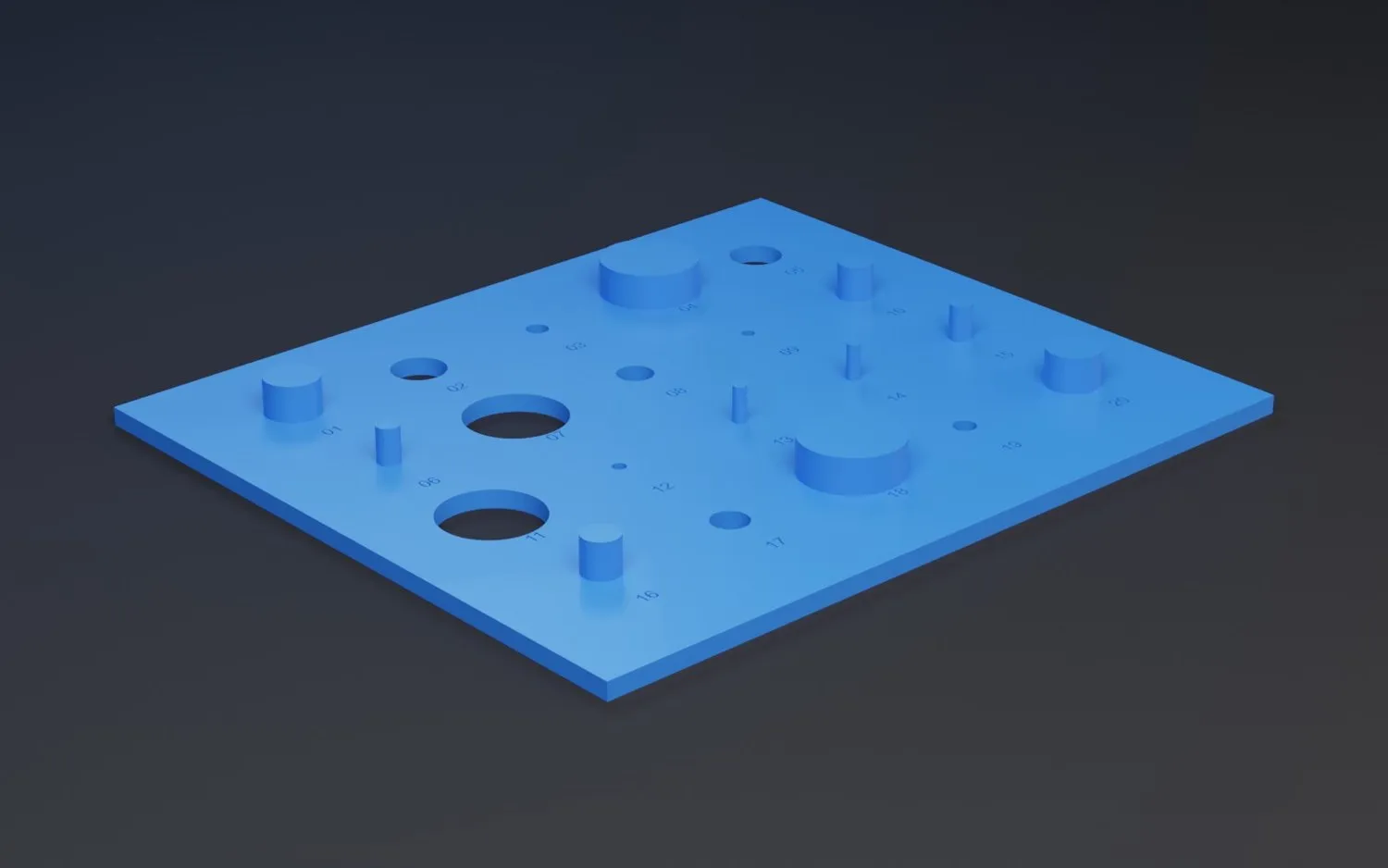
A hole never comes out at nominal size. Print a calibration plate, measure it, and the next part is drawn knowing what your printer does.
What you get
What it does not do
A functional part with its bolt holes where they have to be.
Two printed halves to cast a short lot in polyurethane.
Holes and pins to learn what your printer really makes.
A fixture you need on Monday, with its drawing on file.
FAQ
Yes. Slicing for your printer is part of Community, with no time limit.
If your printer reads G-code from a card or a USB stick, most likely. There are more than a thousand profiles, and you can add yours by hand if it is missing.
Yes. Open the mesh and slice it. A part made in Lab also gives you its dimensions and its drawing.
No. Today it is plastic FFF.
No. The assistant proposes the settings and tells you why. You can change any of them.